
Enable automatic assignment of new topics to members of the Topic Assignees group to ensure they are reviewed.
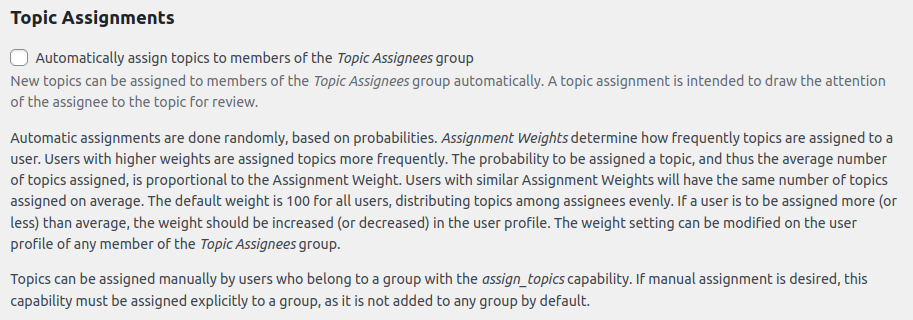
Automatic Assignment
When enabled, new topics are randomly assigned to members of the Topic Assignees group to draw their attention for review. Assignment frequency is determined by Assignment Weights:
- How it works: Each user in the Topic Assignees group has a weight (default: 100), which controls how often they are assigned topics. Higher weights mean more frequent assignments.
- Equal weights: Users with the same weight (e.g., 100) receive roughly the same number of topics.
- Customizing weights: To assign more or fewer topics to a user, adjust their weight in their user profile (Users > Edit User).
Example: A user with a weight of 200 is twice as likely to be assigned topics as a user with a weight of 100.

Tip: Use automatic assignment for efficient distribution and manual assignment for specific oversight needs.
Manual Assignment
Users in a group with the assign_topics capability can manually assign topics. This capability is not enabled by default and must be explicitly granted to a group via the Groups plugin settings.
Enable Manual Assignment
- Create or Modify a Group:
- Go to Groups > Groups in your WordPress dashboard.
- Create a new group (e.g., Topic Moderators) or edit an existing one.
- Add the assign_topics capability to the group.
- Add Users to the Group:
- Go to Users > All Users and edit the user(s) you want to grant assignment permissions.
- Assign them to the group with the assign_topics capability.
Assigning Topics

Users with the assign_topics capability can:
- Navigate to a topic in the WordPress admin (e.g., Topics > All Topics).
- Edit the topic and select an assignee from the Topic Assignees group in the designated “Assignee” section.
- Change an existing assignment if needed.
Users without the assign_topics capability can view the assigned user but cannot modify the assignment.
Tip: Use manual assignment for targeted oversight, such as assigning specific topics to experienced assignees.
Note: Ensure the Topic Assignees group is set up (via Groups > Groups) to provide a pool of users for assignments.