
Configure notification settings to keep users informed about topic and comment activity.
Enable Notifications

Turn on notifications to send alerts to topic authors, commenters, site administrators, and moderators (members of the Topic Moderators group).
Topic Notifications
Topics Pending Review

When a topic awaits review, you can choose to send the following notifications (duplicate notifications to the same user are prevented):
- Notify Site Admin: Sends an alert to the admin email address set in Settings > General.
- Notify Topic Moderators: Informs members of the Topic Moderators group.
- Notify Topic Author: Alerts the user who submitted the topic.
Published Topics
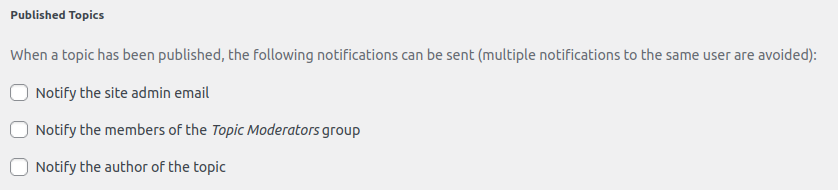
When a topic is published, you can enable these notifications (duplicate notifications to the same user are avoided):
- Notify Site Admin: Sends an alert to the admin email address set in Settings > General.
- Notify Topic Moderators: Informs members of the Topic Moderators group.
- Notify Topic Author: Alerts the user who created the topic.
Assigned Topics When a topic is assigned to a moderator:

- Notify the Moderator: Sends an alert to the assigned moderator.
Topic Comment Notifications

- Notify Comment Authors: When enabled, users who post a comment on a topic will receive a notification about their own comment.
Customization
Standard notifications are sent by default.
Example: A notification on a new comment
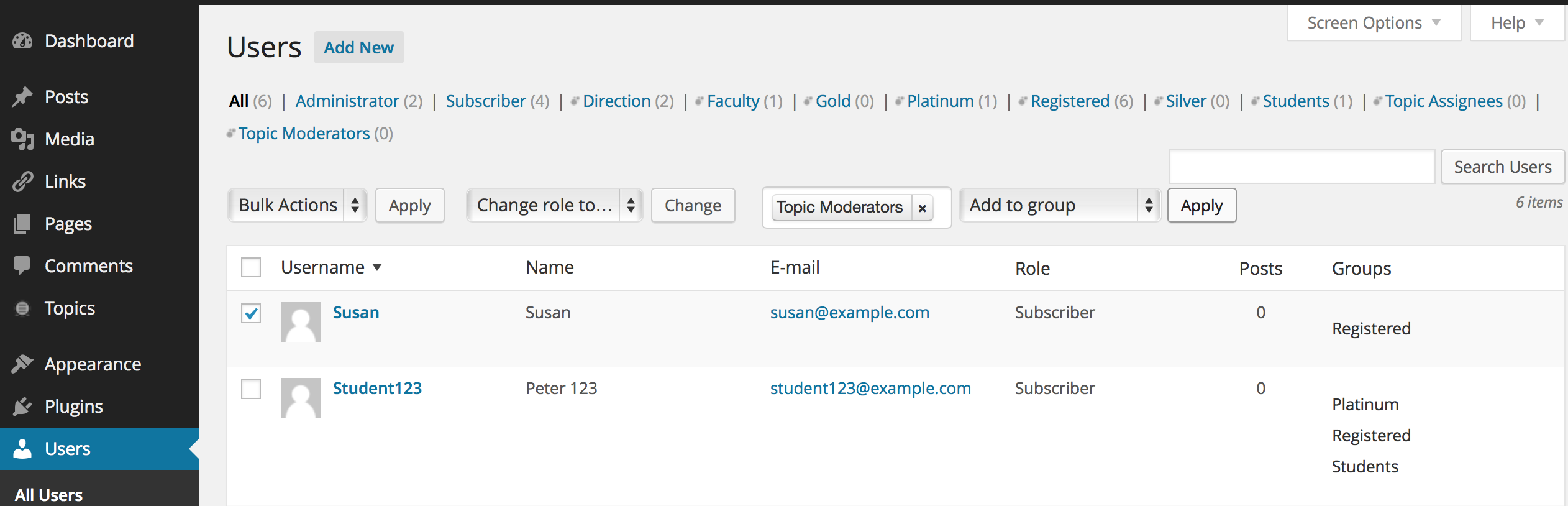
To customize notification content or behavior, install and activate the Groups Notifications.