
Members of the Topic Moderators group have all the necessary capabilities to moderate Topics and topic comments that have been submitted by users.
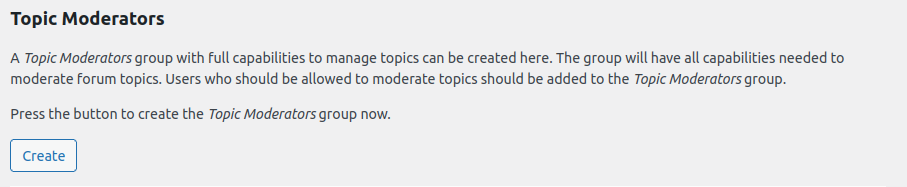
Create Topic Moderators group
Upon clicking the Create button, the Topic Moderators group is created and an appropriate set of capabilities is automatically assigned to it.
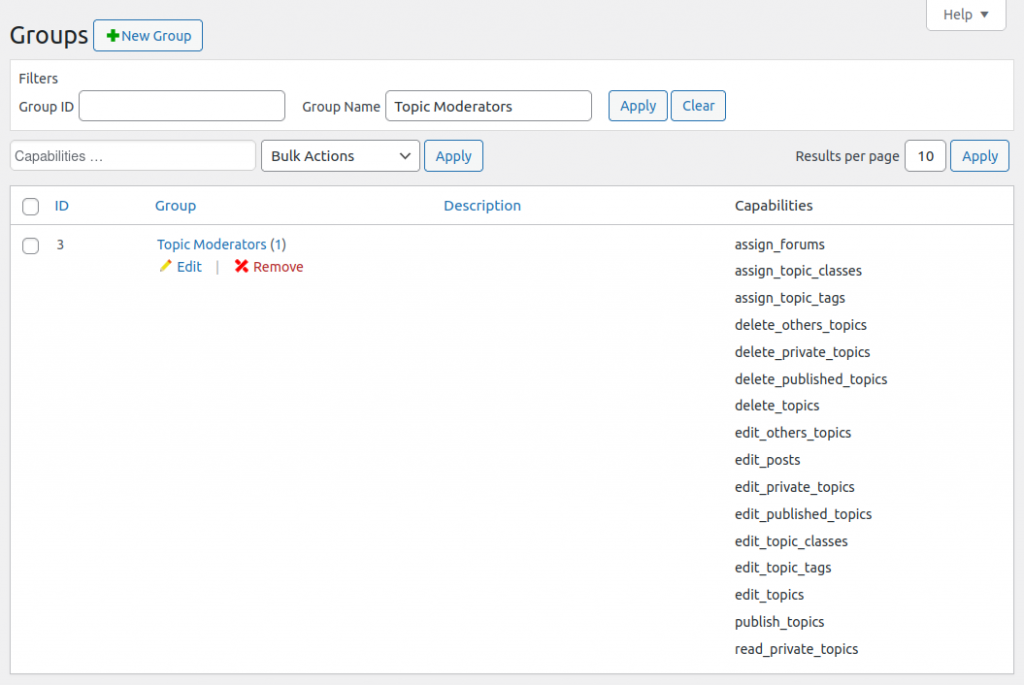
Tip: Review your Topic Moderators group and its assigned capabilities through your Dashboard via Groups > Groups.
Grant Users with Moderator Rights
To grant a user with moderator rights, go to Users and assign the user to the Topic Moderators group.
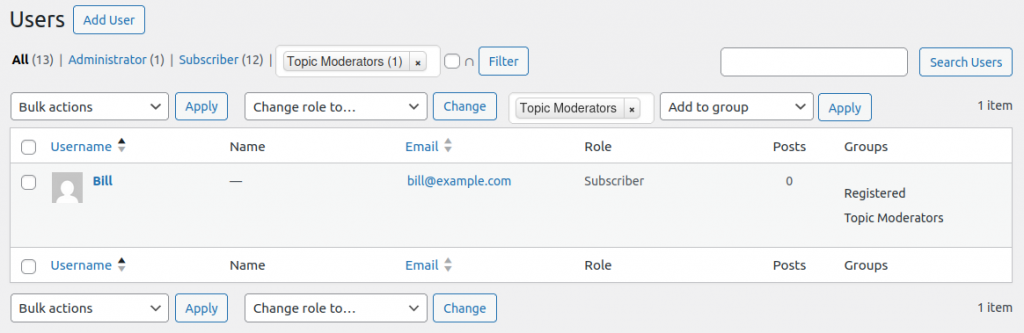
Members of this group have access to all topics and they can edit, publish topics independently. Moderators can also create topic classes.
Upgrading from Groups Forums <= 1.3.0
When upgrading to the latest release, the capabilities of the Topic Moderators and the Topic Assignees groups must be updated.

To add the new default capabilities to the Topic Moderators group, go to Topics > Settings and click the Create button in the Topic Moderators section. Repeat this for the Topic Assignees group.